Workspace context
Workspace context
Zentrik stores two kinds of workspace knowledge: flat context (narrative and reference you add as text or docs) and named context (structured records such as product, OKRs, personas, KPIs, and features). Both ground classification, agents, and planning.
This page is about workspace context only. For the path from customer evidence to initiatives, use From customer evidence to initiatives and Evidence → insights.
The screenshots follow the in-app path: context grid, flat units, named product records, document imports, then roadmap.
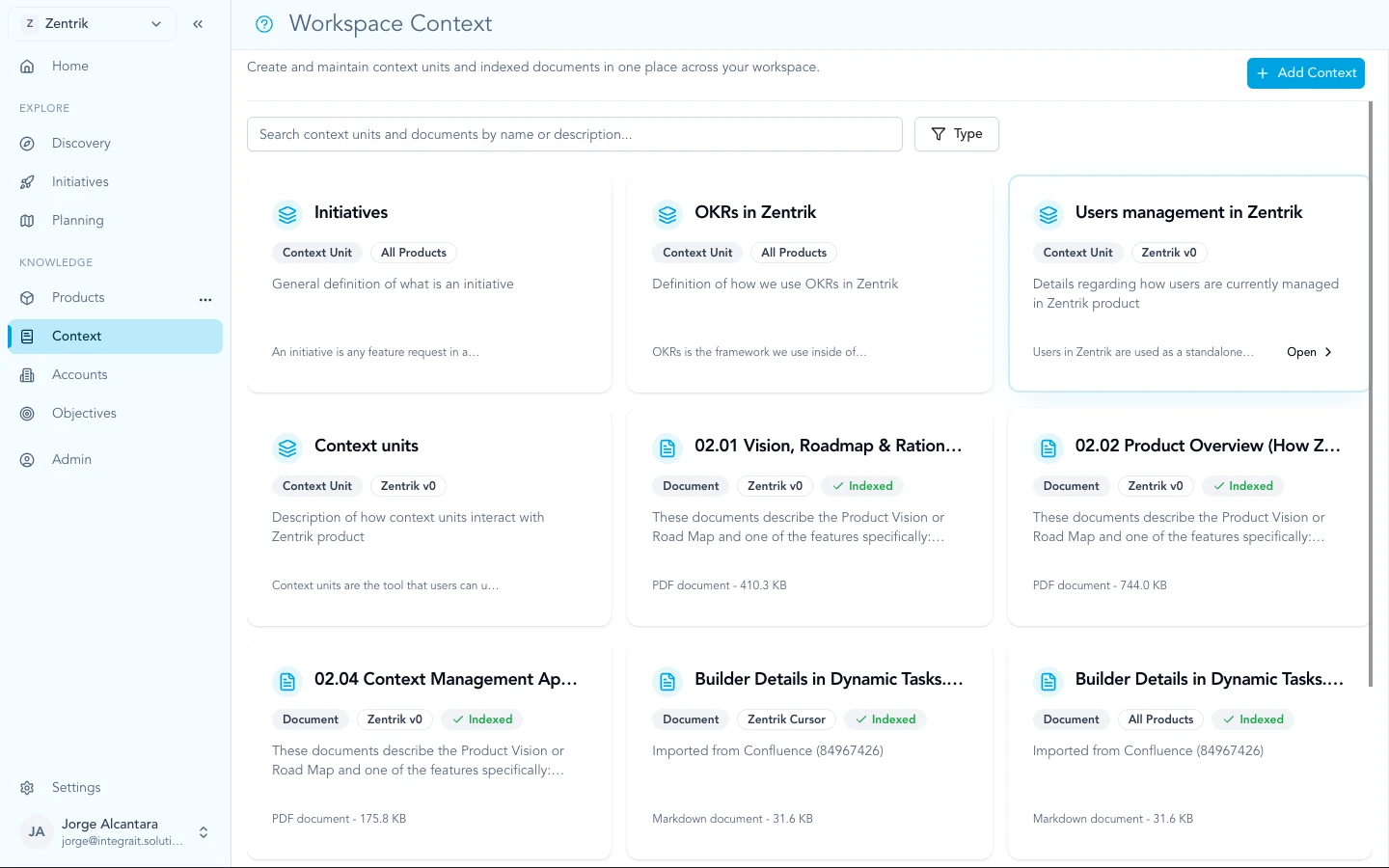
Workspace context combines narrative units and structured product records. Imports from connected tools add customer evidence as signals.
Flat context
Flat context holds free-form information: how your company works, regulations, positioning, market notes, long explanations. Use it when the content does not fit a single persona field or OKR line.
Agents and planning surfaces read this material the same way people do: as background narrative.
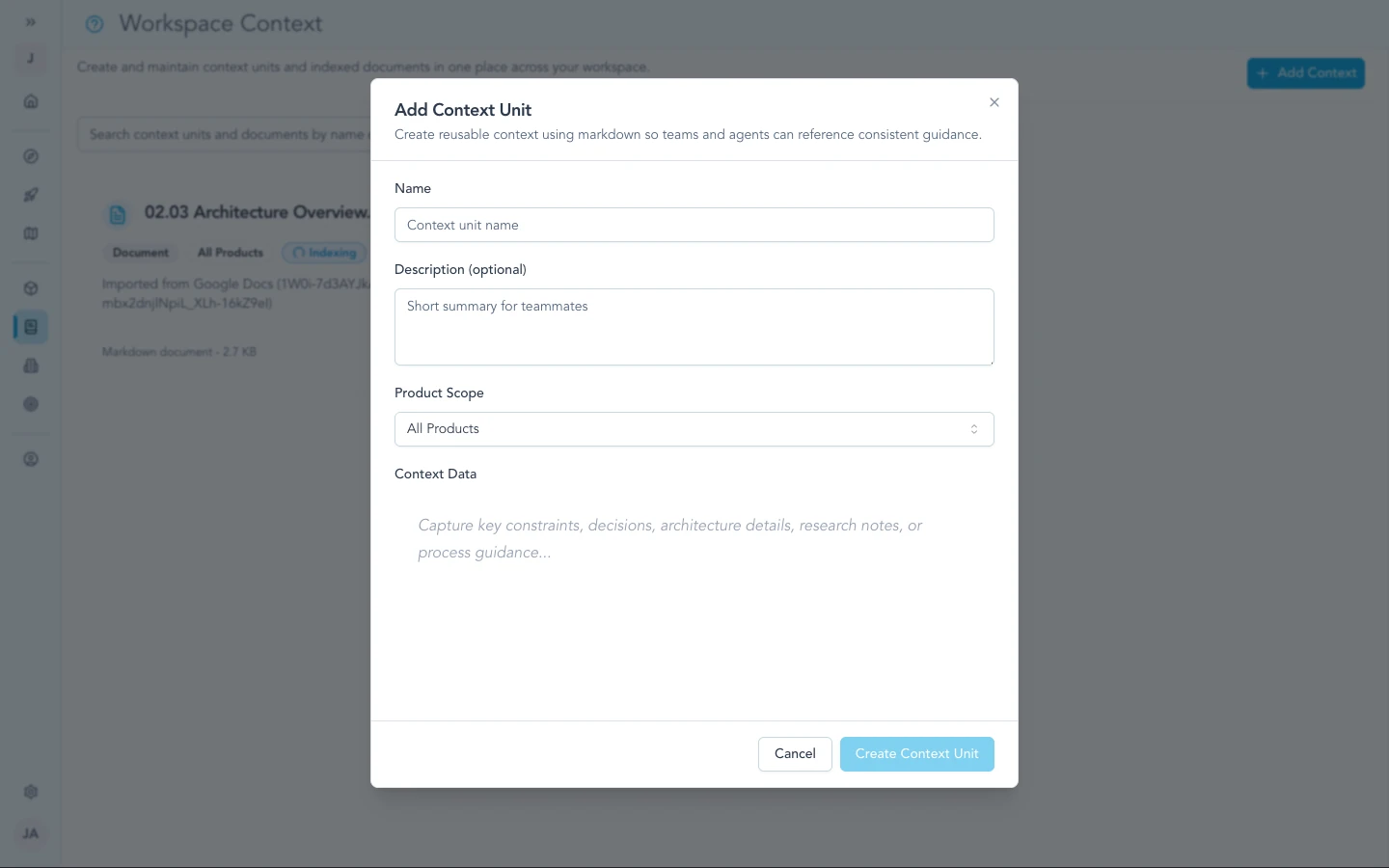
Flat context is for long-form or miscellaneous knowledge that does not belong in a single persona field or OKR line.
Named context
Named context is structured: product, OKRs, personas, KPIs, feature map, and similar records with clear roles. Keeping them current helps Zentrik align Discovery and roadmaps with how you define the product and measure success.
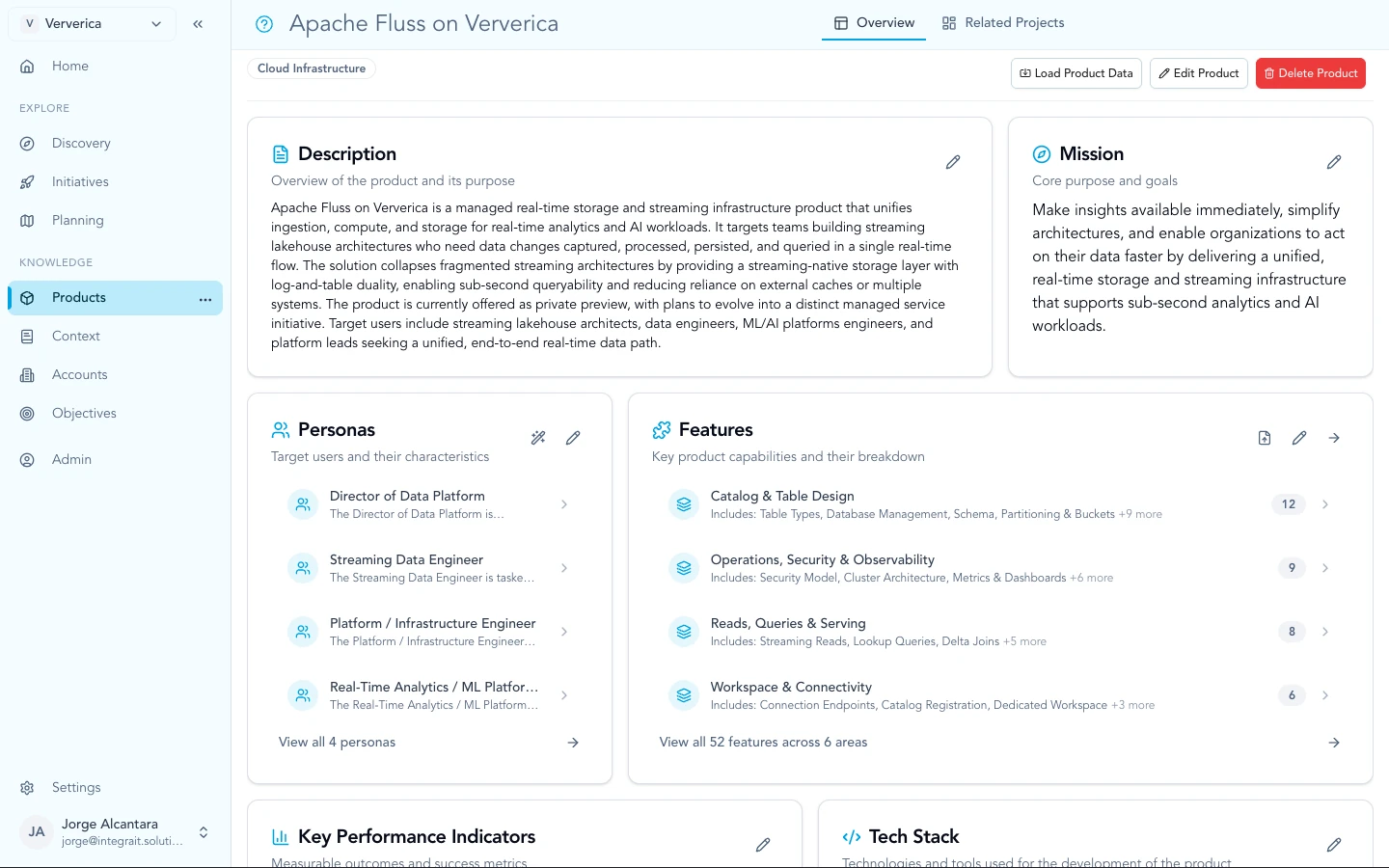
Named context includes products, OKRs, personas, KPIs, and features so Discovery and the roadmap match structured definitions.
Documents and imports
Google Drive and Confluence imports pull living docs (PRDs, specs, decision logs) into workspace context so Zentrik stays aligned with files your team edits at the source.
For calls, tickets, and pasted notes, import from Discovery or connect a provider from the documentation hub.
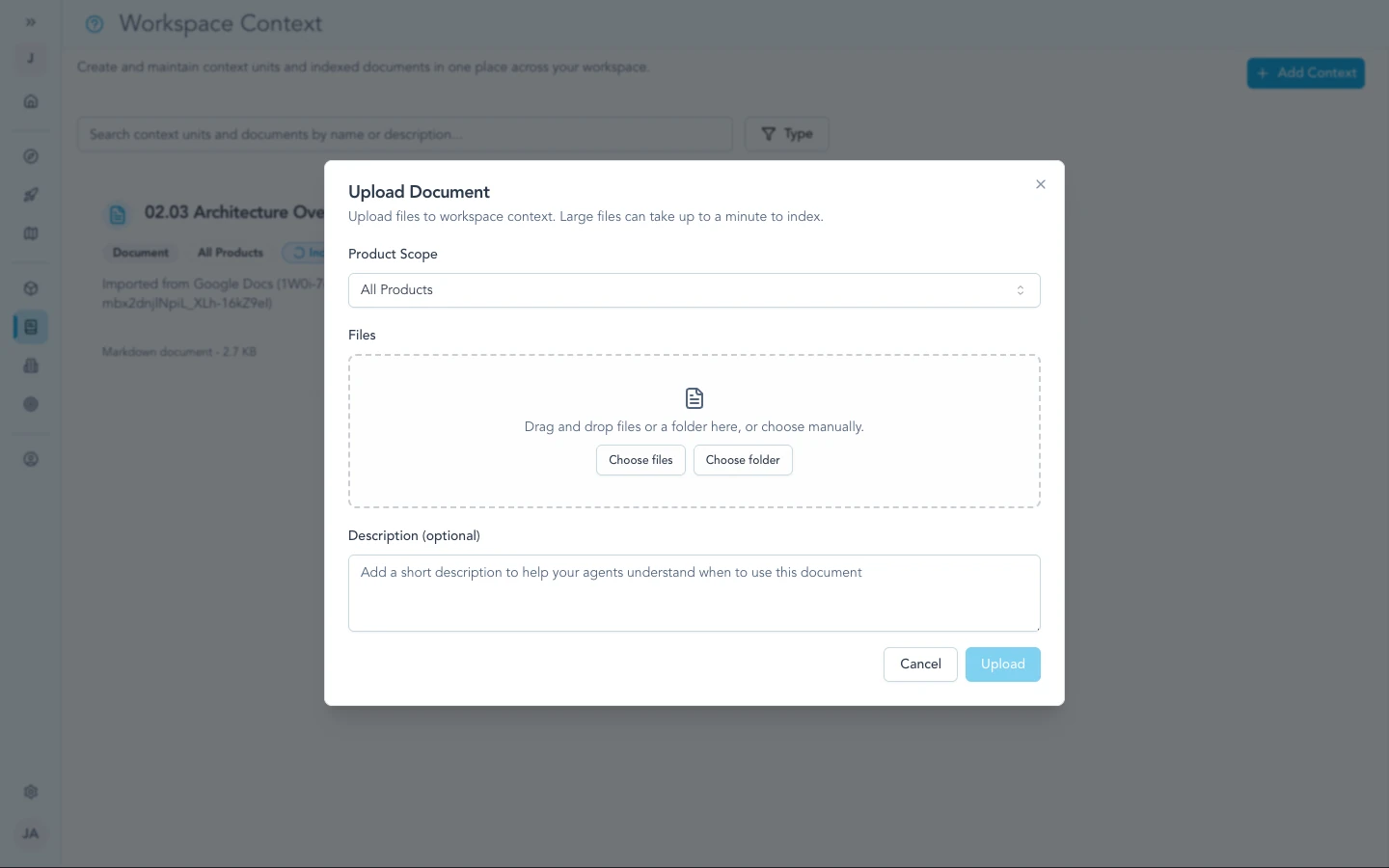
Upload files when the source of truth should live in the workspace alongside your other context.
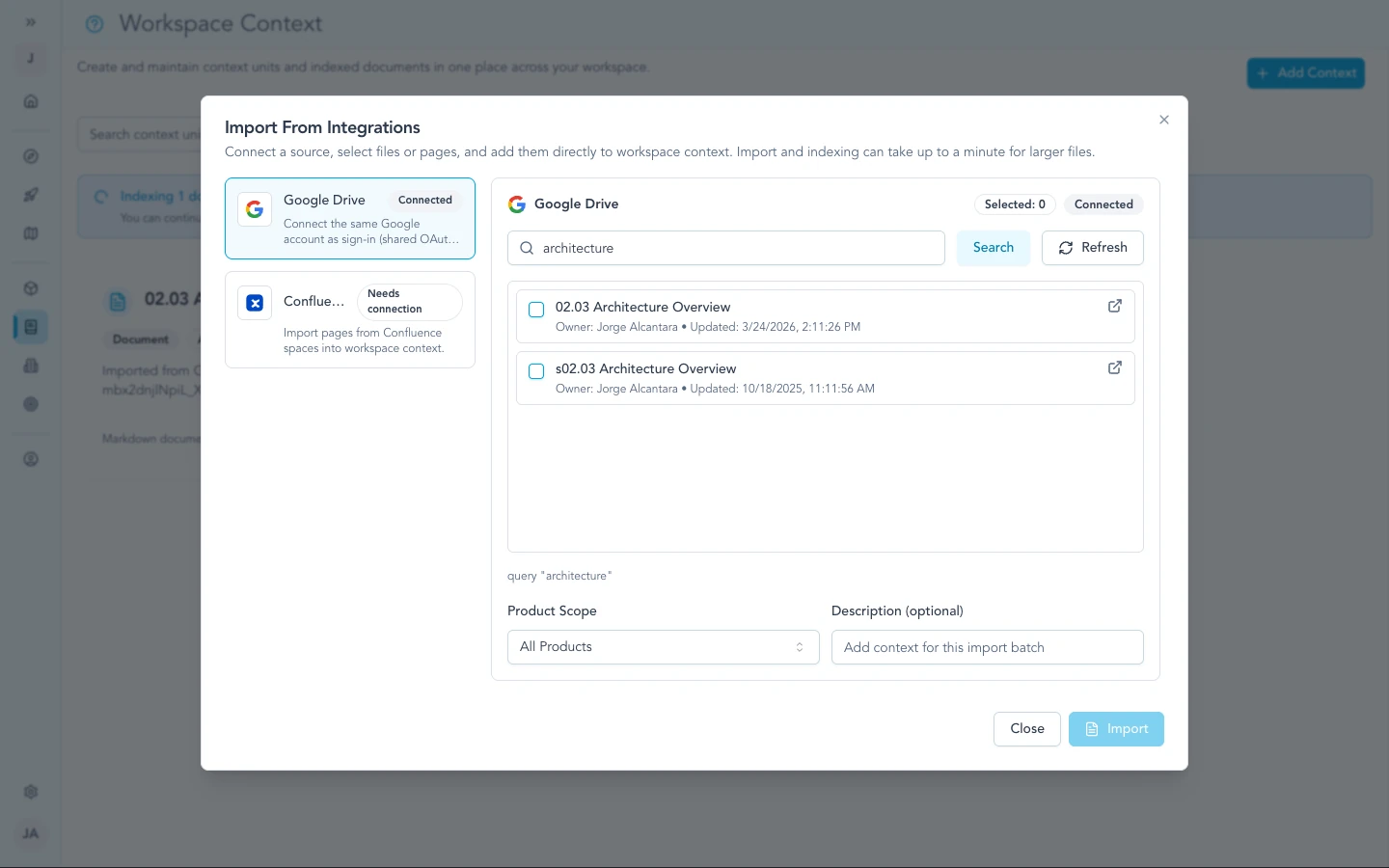
Google Docs import pulls living docs into context so specs and decisions stay current as authors edit in Drive.
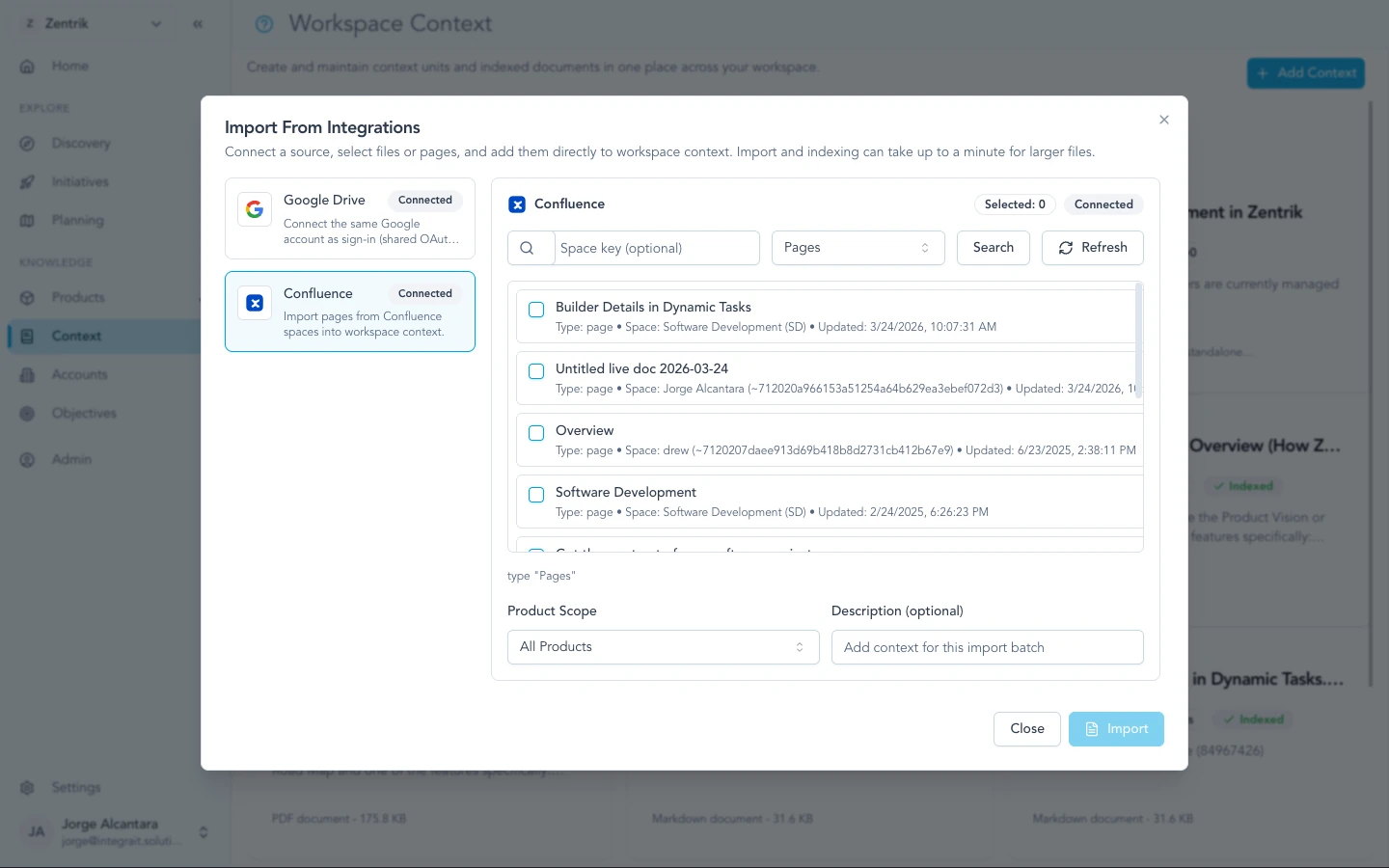
Confluence import brings in pages your team already uses for PRDs, decision logs, and runbooks.
Evidence and roadmap
Discovery is where customer and demand inputs become learnings, opportunities, ideas, and eventually initiatives. Workspace context supports that work the same way it supports agents and reports.
From customer evidence to initiatives describes the stages. Evidence → insights covers bringing evidence in.
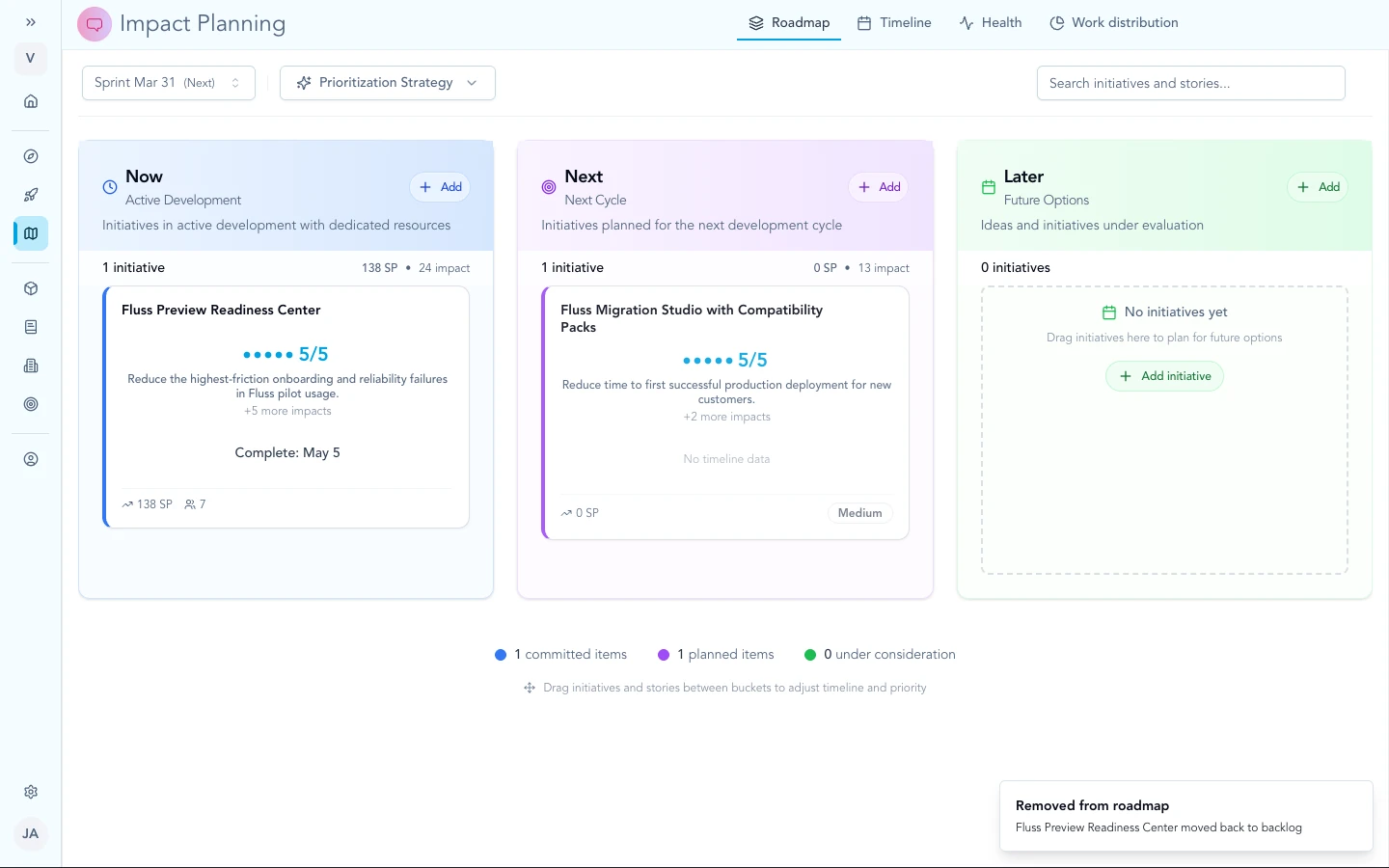
Initiatives on the roadmap sit in the same workspace as named product and goal context.
Troubleshooting
These items are about workflow and expectations in the product, not a broken OAuth client. If something contradicts what you see in your workspace, note your workspace name and the screen, then contact us.
We have strategy in context but few customer quotes
Add Discovery imports or paste so learnings link to signals. Keep building workspace context for how you define the product; use Discovery for what customers said.